Retrospectives, workshops and celebrations your whole team can join in seconds
Start a live board, share a six-character code, and everyone joins as a guest with no account and nothing to install.
or join a board that is already running
Board types
One place for the way your team meets
Pick the kind of board that fits the moment. Every board works the same way to join.
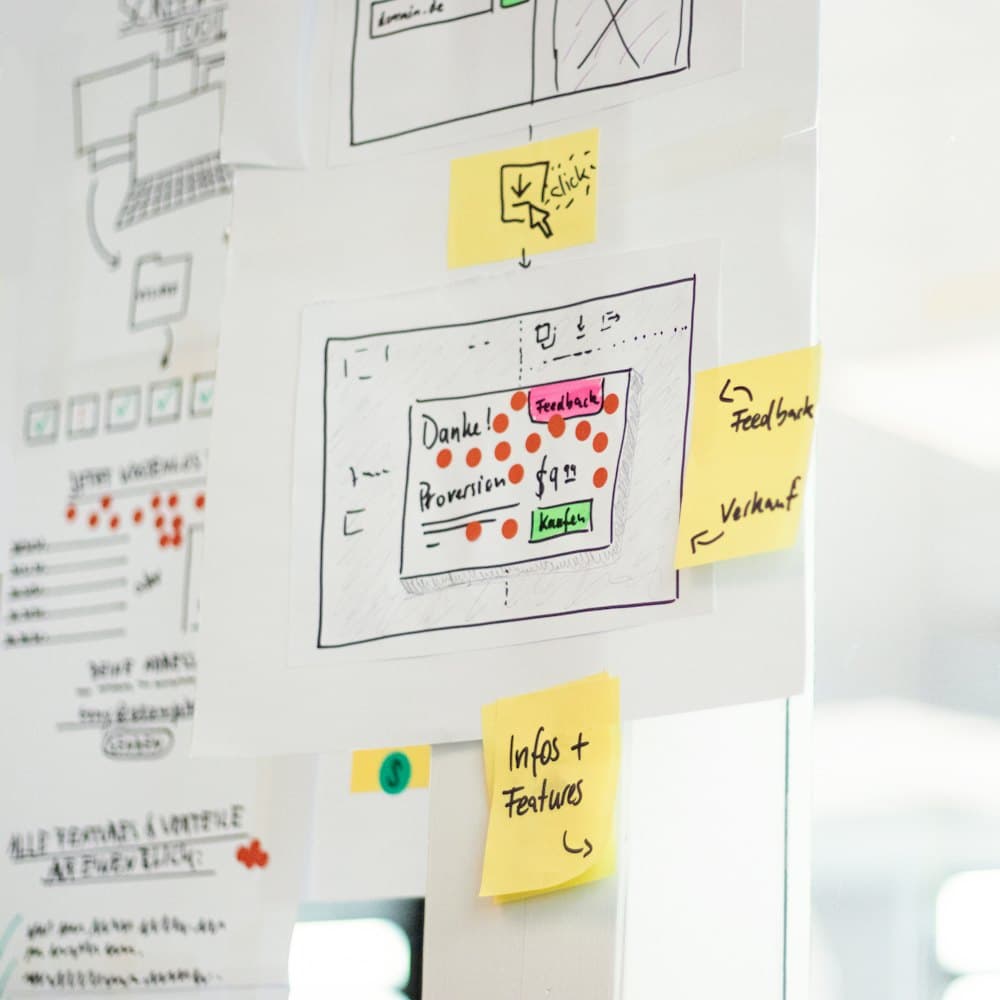
Workshop canvas
An open canvas for planning, brainstorming and mapping ideas together. Drop in notes, text, shapes, images and connectors.
- Blank board
- Retrospective
- Brainstorm
- SWOT analysis

Celebration board
Collect cards, messages and GIFs for a birthday, promotion or farewell, then reveal them all at once with confetti.
- Birthday
- Promotion
- Farewell
- Welcome
- and more
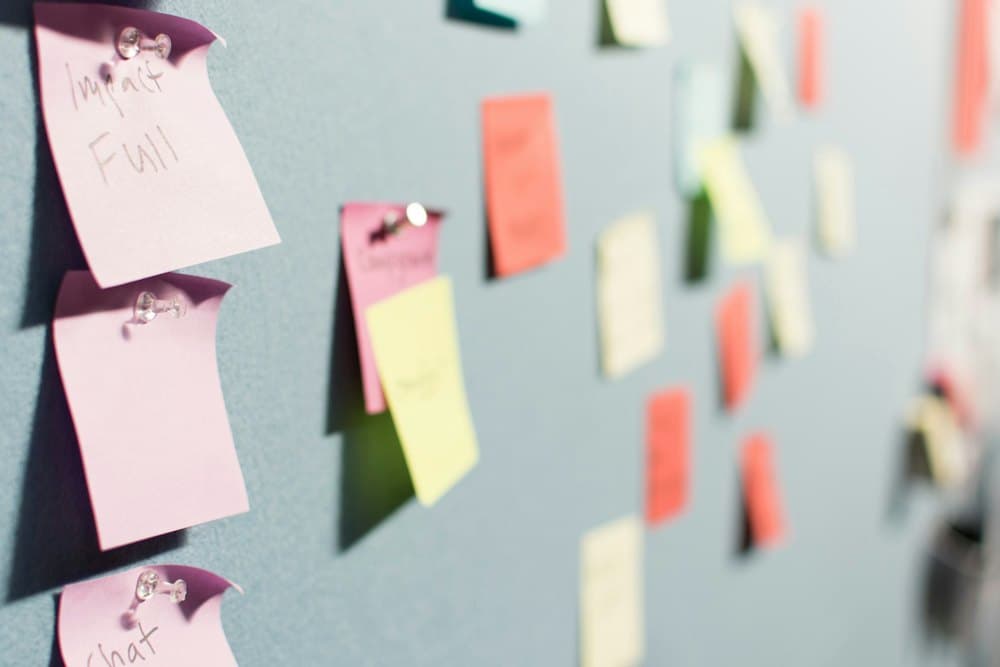
Retro board
Went Well / Could Be Improved / Blockers / Ideas, Start / Stop / Continue and Mad / Sad / Glad templates, voting, a shared timer and an optional AI-written summary you review before sharing.
- Went Well / Could Be Improved / Blockers / Ideas
- Start / Stop / Continue
- Mad / Sad / Glad
Event raffle
A two-ring prize wheel for raffles and give-aways: people on the outer ring, prizes on the inner ring, a two-step draw everyone watches live, with your own winner celebration.
- Raffle day
- Team lunch pick
- Holiday party raffle
- Conference giveaway
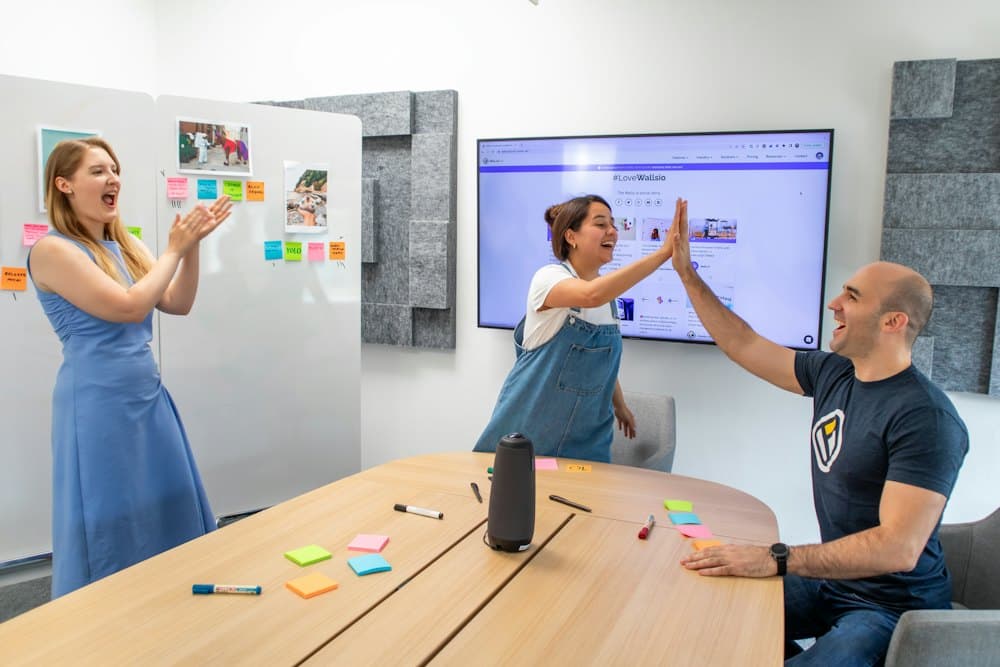
Team wall
A recognition feed that stays open: give shout-outs with badges, @mention a teammate, add a GIF and react with emoji. Birthdays and work anniversaries show up as a banner on the day.
- Team wall
Event board
Raffles and give-aways with a prize wheel
People go on the outer ring and prizes on the inner ring. Run the draw live at your event, on a projector or a phone.
- Two steps, no argumentsSpin for the prize, then spin for who wins it. The server picks every result, so nobody can say it was rigged.
- Everyone sees the same spinGuests watch the wheel turn on their own screen at the same moment, then the winner is revealed.
- Your own celebrationConfetti, fireworks or balloons, or a Giphy GIF for every winner or for one prize.
- Helpers and a recordName people who can run the draw with you, take winners off the wheel, undo a result, and download the history.
Features
Everything a live session needs
Simple for guests to join, with the controls owners expect.
Live collaboration
See everyone’s cursor and every change as it happens, so the whole room works on one board.
Anonymous by default
Guests get a friendly generated name and avatar, or choose their own. Nobody has to sign up.
Voting and timers
Let people vote on what matters and keep a session on schedule with a shared timer.
Join by code
Share a six-character code, with an optional passcode. Close or revoke access whenever you like.
Celebration reveal
Reveal everything at once on the recipient page, with confetti and GIFs.
Throwable emoji
Let the room toss a banana or a rose at an idea. Off until the owner turns it on.
Prize wheel
Run a raffle with a live two-step draw, helpers who can spin, and your own GIF or effect for winners.
AI summary
Optionally draft a summary of the session. The owner reviews it before it is shared.
Ready-made templates
Start from a retrospective, brainstorm or SWOT layout, or one of eight celebration occasions.
How it works
From idea to live board in three steps
Create a board
Sign up, choose a workshop, retro or celebration template and give your board a name.
Share the access code
Every board has its own six-character code and link. Add a passcode if you want one more lock.
Collaborate live
Guests enter the code, pick a name and avatar, and start adding to the board together.
New to Retrospace?
A step-by-step guide for owners and guests: creating a board, joining, the seven Retro stages explained, and the AI summary.
Help keep Retrospace running
Retrospace is free to use. Hosting, the database and upkeep cost money every month. If it helps your team and you would like to chip in toward web maintenance, you can send any amount with GCash or any bank or e-wallet app that supports InstaPay QR. It is entirely optional.
Open the support page

Ready to run your next session?
Create a board in a minute, or join one with the code you were sent.